Hacktron can automatically create threat
models from your
code and review activity. It does not automatically decide your application
groupings for you.
Custom context documents
When you add or remove context documents, Hacktron tracks whether they have been incorporated into the relevant threat model. Document statuses are displayed in the context document list:Repository threat models
Hacktron builds and updates repository threat models from:- The repository’s code and maintainer-authored docs.
- Uploaded repository context documents.
- Triage feedback such as false positives and accepted risks.
.hacktron/rules.md, when present.

Application threat models
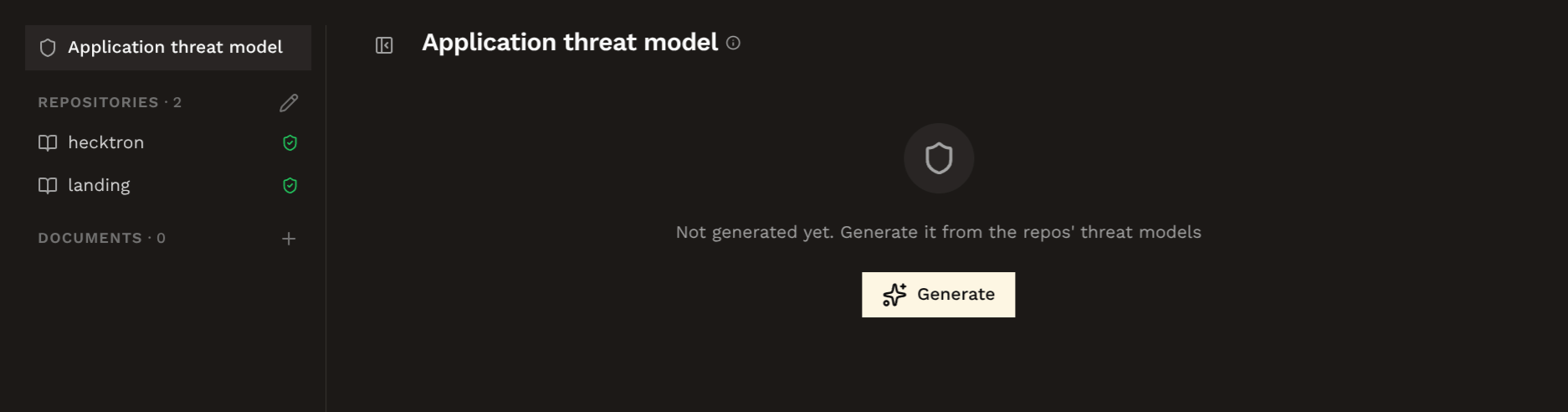
An application threat model describes the threat model for a group of related repositories. For example, a web frontend, backend microservices, and infrastructure repositories that interact with each other as part of the same product. Hacktron synthesizes it from:- The application’s member repositories.
- Each repository’s existing threat model.
- Uploaded application-level context documents.
- Cross-repository checks against the code, such as service-to-service calls, shared auth assumptions, and data-flow boundaries.
Editing and history
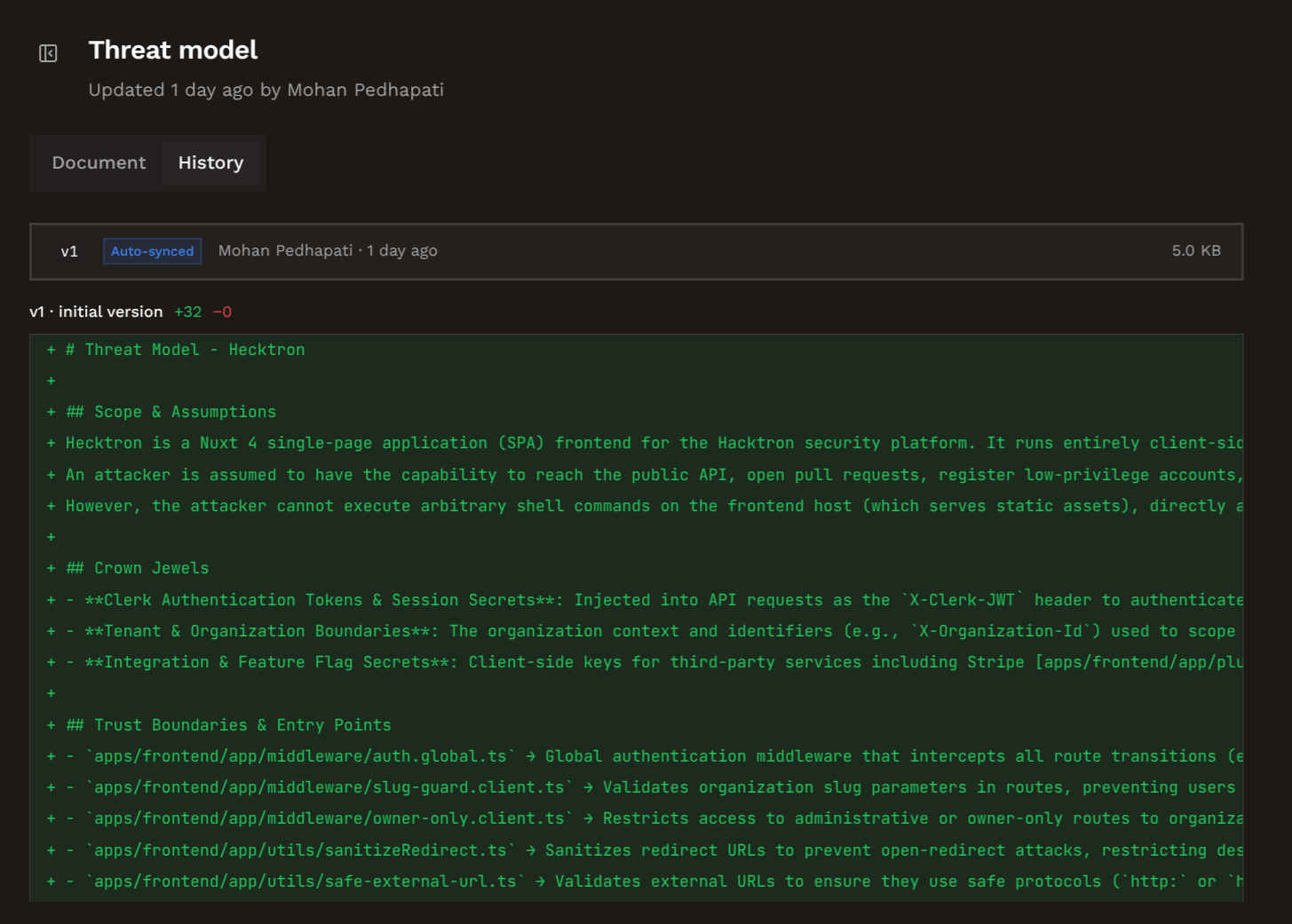
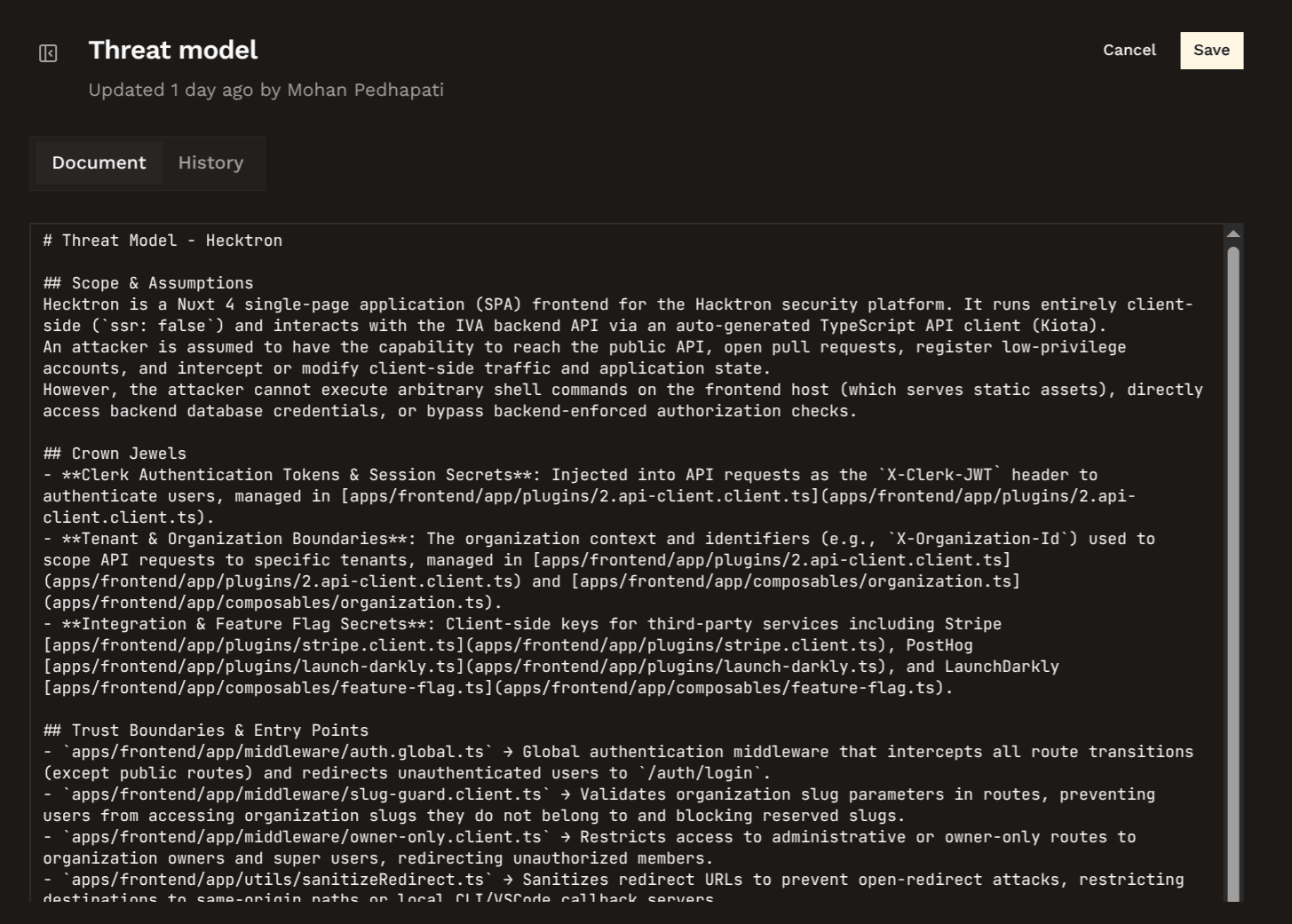
Threat models and context documents show a document view and a history view. Use history to review created, edited, auto-synced, and application-synthesis revisions.