

Hacktron can automatically create threat
models from your
code and review activity. It does not automatically decide your application
groupings for you.
How Context is organized
Repositories
Add documents and view the generated threat model for a single connected
repository.
Applications
Group related repositories into one product boundary and manage shared
application context.
Add context
Upload or create new documents when you want to provide explicit context from your team.1
Open Context page
In Hacktron, go to Context. Click on Add Context.
2
Choose a target
Select one or more repositories or applications.
Repository context is tied to those specific repositories. Application context is tied to an application, which can contain multiple repositories.
3
Upload or create documents
Add Markdown, text, or PDF documents. You can also write a new document from scratch on the platform.Good context includes architecture
notes, data-flow diagrams, security policies, threat assessments,
accepted-risk rationale, and app-specific review rules.Once done, click on Add.
4
Sync context
Go to the repository or application context page and click on Regenerate.
This will ensure that the threat model is updated with the new context.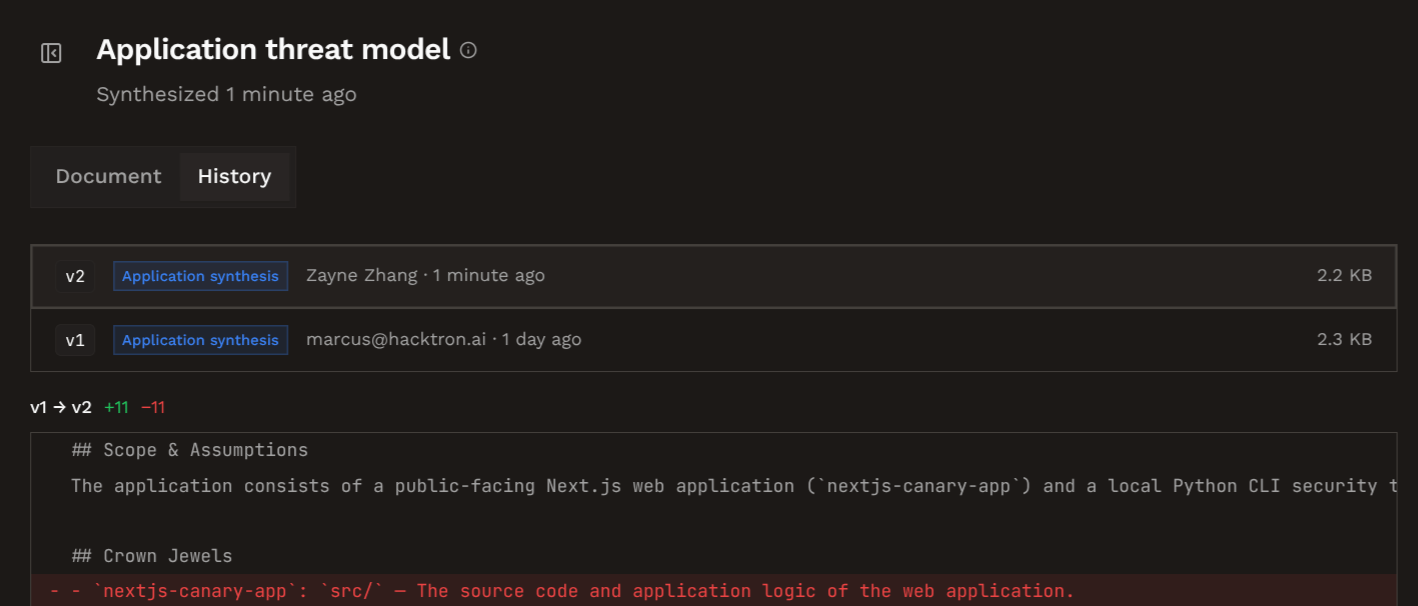
Supported documents
Hacktron accepts.md, .markdown, .txt, and .pdf files. Text documents can feed scans directly and threat models. PDFs are used to inform threat models.
Automatically generated context
Hacktron creates some context on its own:- After application creation: if every repository in the new application already has a threat model, Hacktron can generate the application threat model in the background.
- After feedback: repeated triage signals, especially false positives and accepted risks, is folded into the repository threat model over time.
- Before a White-box Pentest: if a scanned application or repository does not have a threat model yet, Hacktron will bootstrap one before the scan.
- Manual sync: when you upload or remove context documents, you can manually regenerate the threat model.
Next steps
Applications
Create application groupings for related repositories.
Threat models
Understand how Hacktron generates and updates threat models.