

Inline findings
Findings are posted inline on GitHub PRs and GitLab MRs when a vulnerability is detected in the code change.Public repositories
When a repository is public, Hacktron keeps sensitive outside-diff finding details out of the public pull request thread. Inline findings on the diff itself are still visible.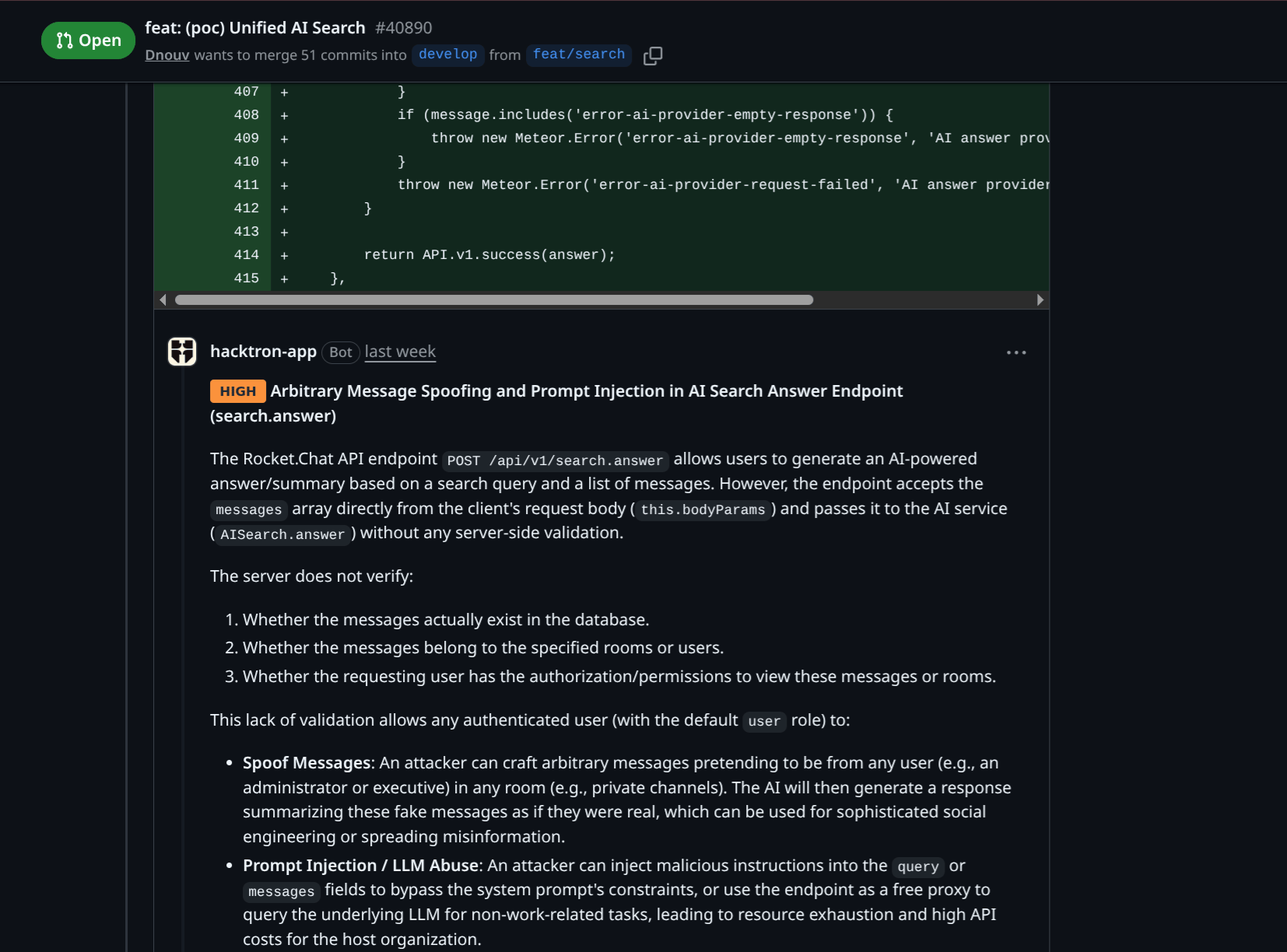
Triage comments
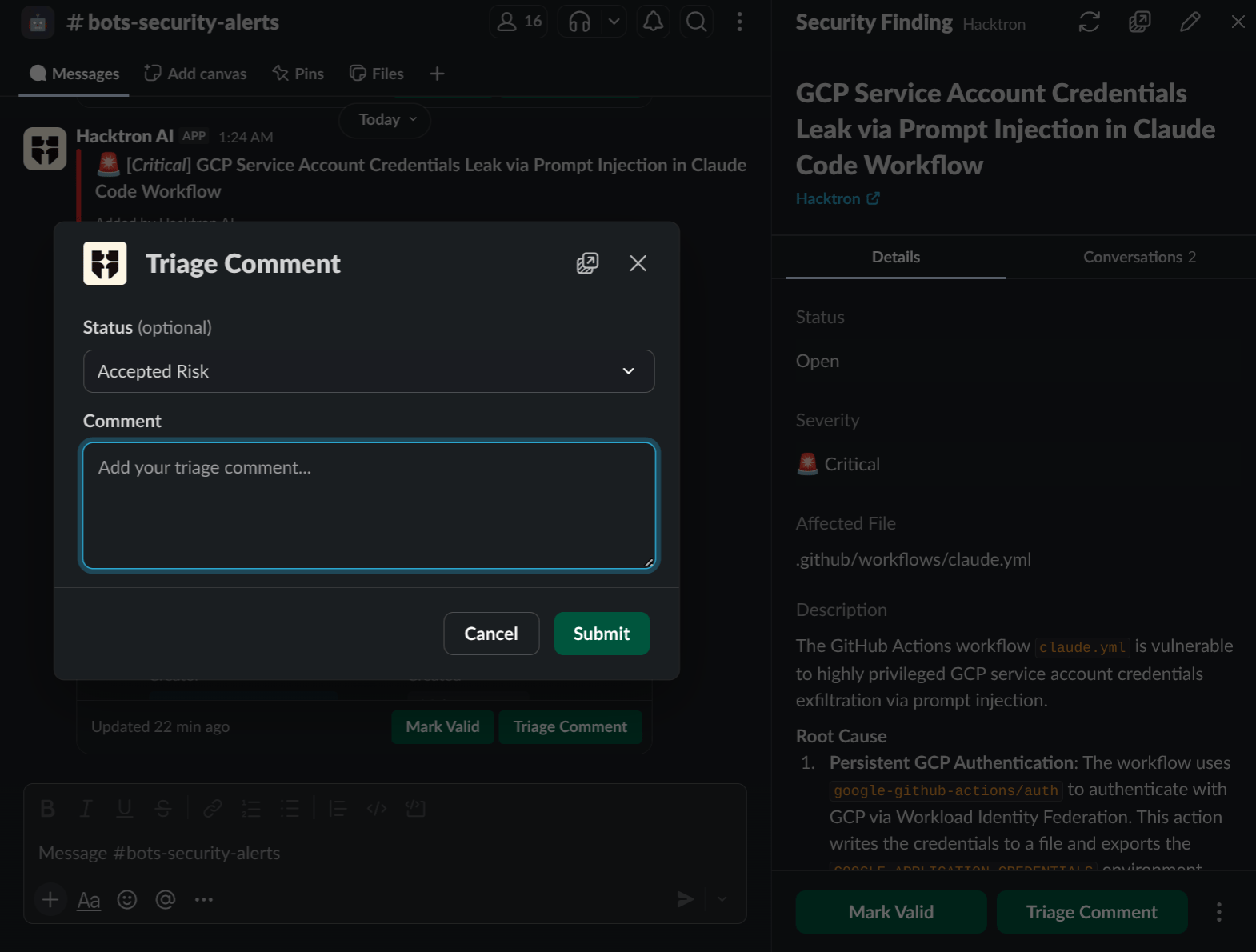
You can leave triage comments on findings to help improve future reviews. This helps Hacktron understand whether something is a false positive, accepted risk, or a true positive finding. Every triage comment your team leaves on a finding becomes training signal. Over time, Hacktron Review builds a deep understanding of your specific attack surface and threat model, so reviews get sharper, with fewer false positives and more of the bugs that actually matter to your app.- GitHub or GitLab
- Web Platform
- Slack
You can comment directly on the finding in GitHub or GitLab with: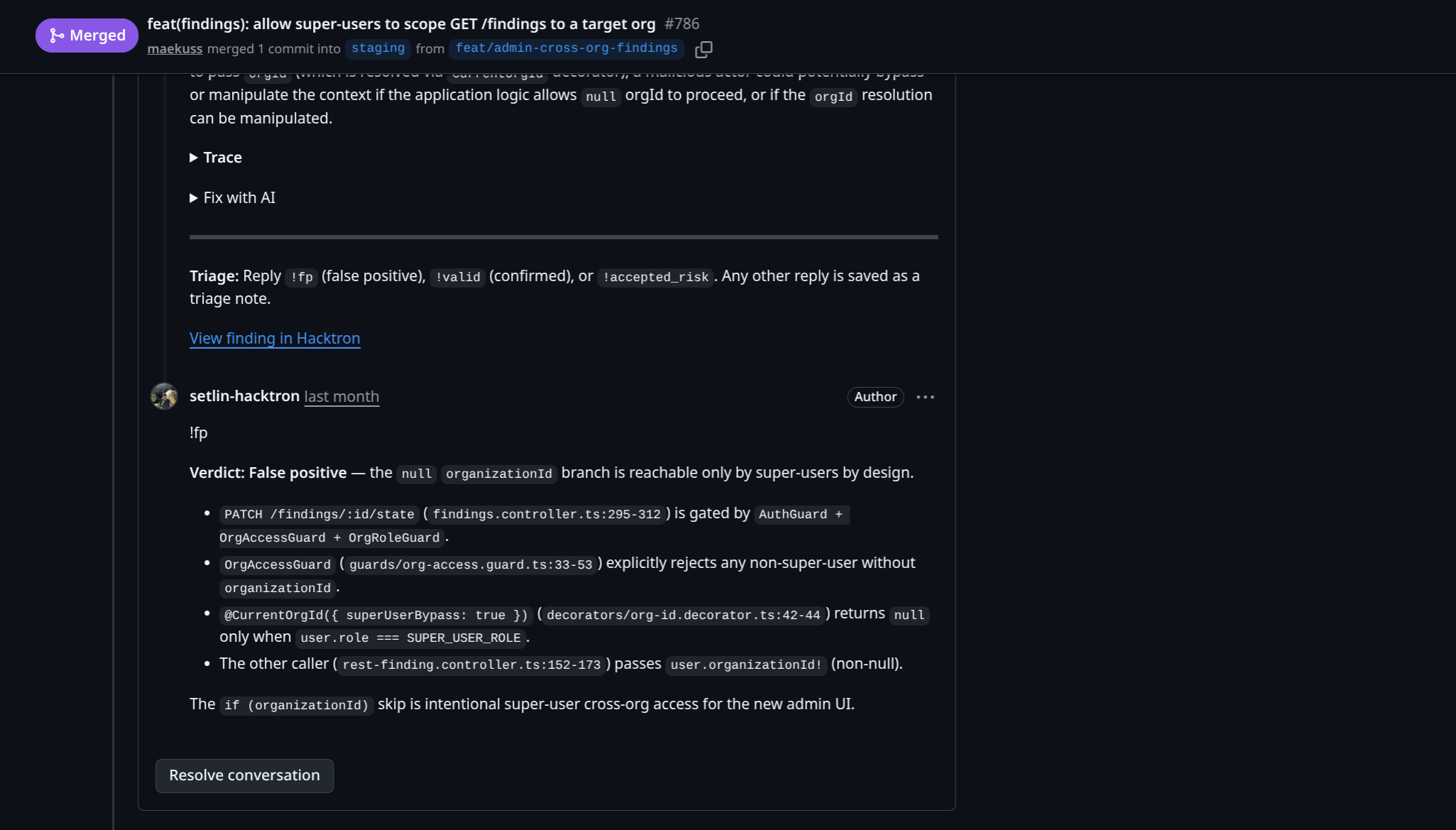
!fp <reason>to mark the finding as a false positive!accepted_risk <reason>to mark the finding as an accepted risk!valid <reason>to mark the finding as a true positive
Duplicate findings
When a new finding is posted, Hacktron checks if it is a duplicate of a previously posted finding. For example, if a pull request is merged containing a vulnerability, Hacktron may automatically deduplicate a new finding from a subsequent pull request.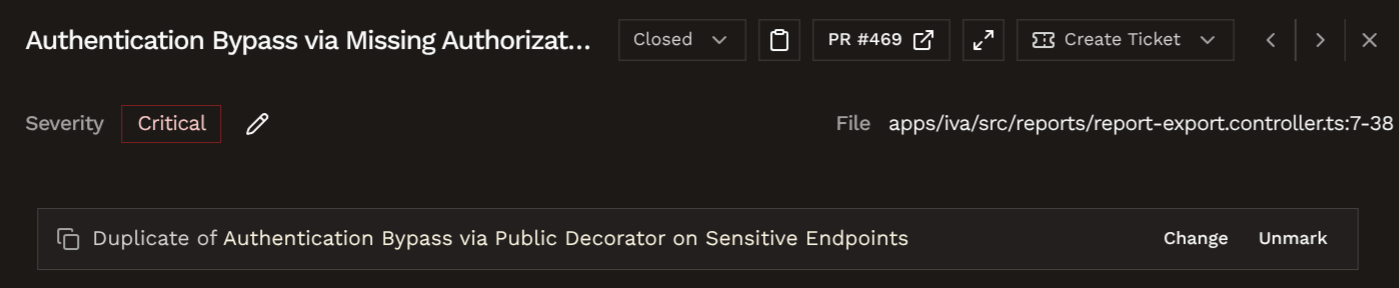
You can also manually mark a finding as a duplicate of another finding by
clicking on the Mark as duplicate button in the finding page.You would need to select a canonical (original) finding in the same repository as the new finding.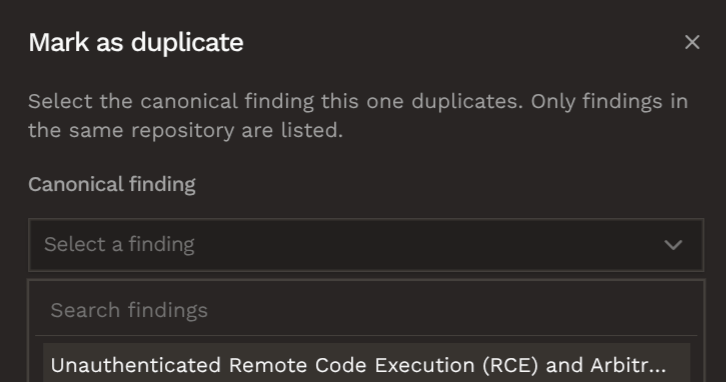
Checks update on triage
If a fail-on gate is configured, triaging a finding updates the GitHub check (or GitLab commit status) right away. For example, if the fail-on gate is configured to fail on high severity findings, triaging a high severity finding as a false positive or accepted risk will update the GitHub check (or GitLab commit status) to pass. Reopening the finding will cause the check to fail again.Feedback loop
Triage feedback helps Hacktron adapt to your codebase. Comments and project rules give Hacktron signal about what is urgent, trusted, irrelevant, or intentionally ignored for a specific repository. When a later commit fixes a finding, Hacktron can recognize the remediation and close stale alerts automatically.Related setup
Project rules
Add
.hacktron/rules.md to provide repository-specific review context.Project Management Apps
Send approved findings to Jira or Linear.