> ## Documentation Index
> Fetch the complete documentation index at: https://hacktronai-docs-changelog-feature-backfill.mintlify.site/llms.txt
> Use this file to discover all available pages before exploring further.

# Overview

> Give Hacktron durable repository and application context for more accurate reviews and scans.

Teach Hacktron how your codebase is organized, what matters most, and which security assumptions should carry across future reviews.

Hacktron combines uploaded documents, repository analysis, triage feedback, and generated threat models so Code Review and White-box Pentest runs can reason about your system with more than the current diff or scan target.

<Info>
  Hacktron can [automatically create threat
  models](/platform/context/overview#automatically-generated-context) from your
  code and review activity. It does not automatically decide your application
  groupings for you.
</Info>

## How Context is organized

<Columns cols={2}>
  <Card title="Repositories" icon="code-branch" href="/platform/context/threat-models#repository-threat-models">
    Add documents and view the generated threat model for a single connected
    repository.
  </Card>

  <Card title="Applications" icon="layer-group" href="/platform/context/applications">
    Group related repositories into one product boundary and manage shared
    application context.
  </Card>
</Columns>

## Add context

Upload or create new documents when you want to provide explicit context from your team.

<Steps>
  <Step title="Open Context page">
    In Hacktron, go to **Context**. Click on **Add Context**.
  </Step>

  <Step title="Choose a target">
    <p>
      Select one or more repositories or applications.
    </p>

    <p>
      Repository context is tied to those specific repositories. Application
      context is tied to an **application,** which can contain multiple repositories.
    </p>

    <Tip>
      You can add a new application in the **Applications** tab.
    </Tip>
  </Step>

  <Step title="Upload or create documents">
    Add Markdown, text, or PDF documents. You can also write a new document from scratch on the platform.

    Good context includes architecture
    notes, data-flow diagrams, security policies, threat assessments,
    accepted-risk rationale, and app-specific review rules.

    Once done, click on **Add**.
  </Step>

  <Step title="Sync context">
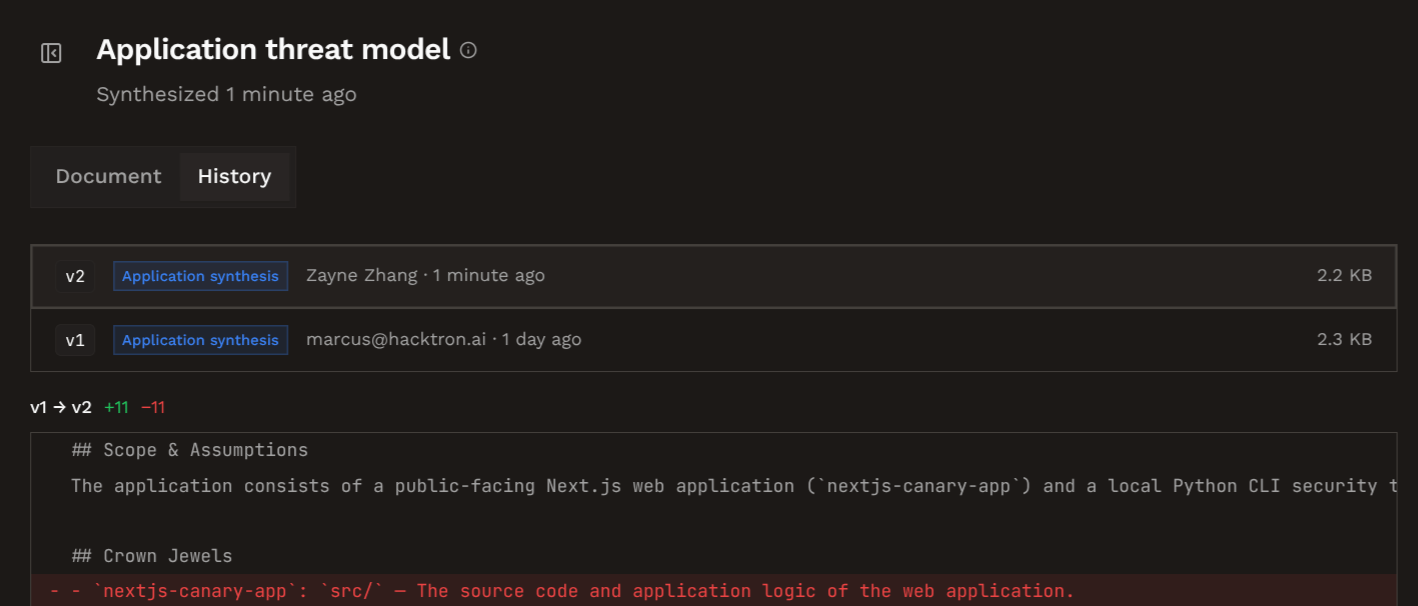
    Go to the repository or application context page and click on **Regenerate**.
    This will ensure that the threat model is updated with the new context.

    <img src="https://mintcdn.com/hacktronai-docs-changelog-feature-backfill/JIIvKXL9Z1WaKIwt/images/regenerate.png?fit=max&auto=format&n=JIIvKXL9Z1WaKIwt&q=85&s=83e47f32e16d0399e63faeb09892e82c" alt="Regenerate context" width="1418" height="606" data-path="images/regenerate.png" />
  </Step>
</Steps>

## Supported documents

Hacktron accepts `.md`, `.markdown`, `.txt`, and `.pdf` files. Text documents can feed scans directly and threat models. PDFs are used to inform threat models.

<Tip>
  Keep context durable. Prefer stable security assumptions, architecture, data
  ownership, and trust boundaries that are not likely to change frequently.
</Tip>

## Automatically generated context

Hacktron creates some context on its own:

* **After application creation**: if every repository in the new application already has a threat model, Hacktron can generate the application threat model in the background.
* **After feedback**: repeated triage signals, especially false positives and accepted risks, is folded into the repository threat model over time.
* **Before a White-box Pentest**: if a scanned application or repository does not have a threat model yet, Hacktron will bootstrap one before the scan.
* **Manual sync**: when you upload or remove context documents, you can manually regenerate the threat model.

## Next steps

<Columns cols={2}>
  <Card title="Applications" icon="layer-group" href="/platform/context/applications">
    Create application groupings for related repositories.
  </Card>

  <Card title="Threat models" icon="shield-check" href="/platform/context/threat-models">
    Understand how Hacktron generates and updates threat models.
  </Card>
</Columns>
